3D to Litematic: An Image-to-3D Generator for Occasional Makers
Learn how 3d to litematic workflows relate to image-to-3D generators, yearly pricing, downloads, textures, animation, APIs, and printable models.

If you came looking for 3d to litematic, this guide helps connect that workflow to the right image-to-3D generator. It explains how to judge yearly cost, downloads, textures, animation, APIs, and print-ready output for occasional making.
If you make models now and then, the cheapest advertised model may not come from the cheapest plan. I compare what a full year costs, what you can actually download, and whether the project needs printable geometry, texture, animation, or an API.
The short version
- For occasional single-color printing: price the year, not the month. SupaVoxel Hobbyist costs $25 for 400 credits valid all year; an untextured model uses 1 credit.
- For textured models: check the cost at your likely usage, not just the price when every credit is spent. Texture matters for games, renders, and some multi-color prints, but an STL does not carry it into a slicer.
- For animation or an API: look beyond print-focused tools. Meshy and Tripo offer capabilities that a static printable mesh does not replace.
- Before paying: check the free plan’s download format and license. A generous generation allowance is less useful if you cannot keep or use the file.
Compare the bill you will pay for the year
I start with the best AI 3D model generator comparison because it puts yearly bills, per-model estimates, free-plan limits, and print-prep costs alongside each other. That is more useful to an occasional maker than sorting plans by the price printed next to “per month.”

The comparison page brings yearly cost and print-prep features into the same decision.
As of November 2026, SupaVoxel Hobbyist is $25 for the year, with 400 credits that remain valid throughout it. The next-cheapest yearly plans in that comparison are Fast3D Pro and AI3DGen Starter at $84. Meshy Pro is $20 a month after its $10 first month; its regular monthly price amounts to $240 across a year. Tripo Pro is $240 billed annually, based on its October 2026 plan information.
Those figures describe different commitments. Tripo asks for the year’s payment up front. Meshy bills monthly, but its subscription credits reset rather than carrying into a quiet month. SupaVoxel Hobbyist gives you a yearly credit pool. If you make a batch of models, stop for a while, then return to a project, credit validity may matter as much as the headline allowance.
Do not mistake a low estimated cost per model for a low bill. A plan can look inexpensive per file when its entire allowance is used, yet cost more when your printer sits idle. I would write down the amount I expect to pay over the year before dividing by any model count.
Decide whether the project needs geometry or texture
A single-color print needs a shape the slicer can interpret, not a painted preview. STL carries the mesh, not the image texture displayed on it. If that is your destination, paying credits for texture will not improve the color of the finished print. Inspect the silhouette, the back, and fragile-looking features rather than judging the attractive front view alone.
On SupaVoxel, an untextured generation costs 1 credit; a textured one costs 3. If you use the full Hobbyist credit pool, the estimated unit prices are $0.06 for geometry only and $0.19 with texture. Those are useful for comparing capacity, but they assume you use the credits. Untextured output is usually ready in under a minute; textured output typically takes 3 to 5 minutes.
Texture has a job when the model is going into a game, AR scene, or render. It can also matter when preparing a multi-color 3MF print. That is a different buying decision from making a single-color object. Before choosing a plan, name the destination file and ask what visual information that destination will preserve. A textured preview is not, by itself, evidence that the printed geometry will be sound.
Count the models you will actually finish
Here is the arithmetic I find most helpful: suppose the year brings 50 textured models. On SupaVoxel Hobbyist, they use 150 of the 400 credits. The bill is still $25, making the effective spend $0.50 per finished model, with credits left for later work. On Meshy Pro or Tripo Pro, a $240 year divided across those same 50 files is $4.80 per model. This is not a claim that the generators produce equivalent results; it isolates the cost of an occasional workload.
At heavier use, the comparison changes. Meshy Pro works out to about $0.20 per asset if you use its full allowance. Tripo Pro’s estimate is about $0.10 per model when its monthly allowance is used in full. A high-volume creator should calculate against that workload instead of borrowing the occasional-maker example.
Then count what happens after generation. A mesh for printing may need closed surfaces, a stable base, or parts that fit the available build area. A non-manifold mesh has geometry that does not define an unambiguous solid; a slicer may interpret its inside and outside incorrectly. Every paid SupaVoxel plan, starting at $25 a year, includes in-studio repair, multi-color 3MF, stand bases, plane cuts with pins, and molds. These finishing steps use no additional credits. They are not part of a free print-prep plan. If another service charges separately for finishing—or does not provide the step you need—include that work in your comparison.
Treat a free plan as a file-and-license test
A free allowance is useful for learning how a generator handles your subject, but first ask: What can I download, and what may I do with it? The free AI 3D generator ranking compares those limits and the cost of moving to a paid plan.
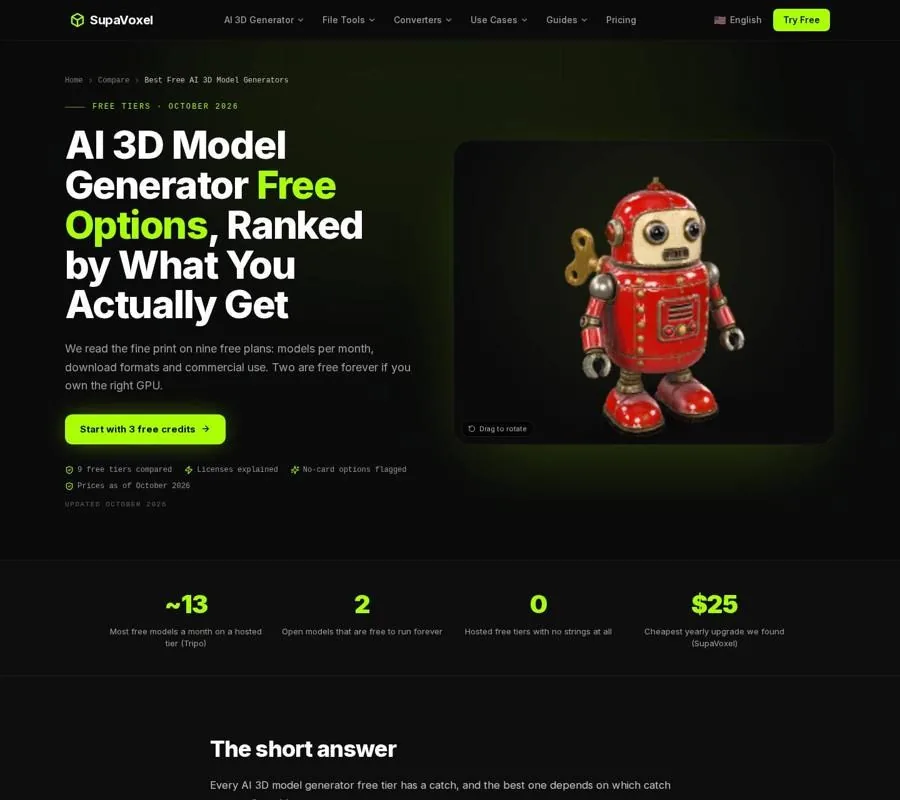
The free-tier comparison focuses on downloads, licenses, and the next paid step.
SupaVoxel gives 3 free credits at sign-up with Google sign-in and no card. Each untextured generation costs 1 credit, and free downloads are GLB, not the paid plan’s STL, OBJ, 3MF, or USDZ exports. Commercial rights to generated work require a paid plan; Hobbyist costs $25 a year.
Other free tiers make different trade-offs. Under its October 2026 terms, Tripo makes free models public and restricts them to non-commercial use. Meshy limits free downloads to 10 Lite models a month, and those outputs carry a CC BY 4.0 attribution requirement. Hi3D’s free plan has no 3D downloads. If the eventual project is a shop listing or a commercial game, read the license before building it around a trial result. You also need the right to use the input picture, regardless of the generator’s output terms.
Choose differently for animation or an API
Print-focused price math stops being decisive when the deliverable is an animated character. The Meshy alternative comparison is worth reading if your choice is between printable static assets and Meshy’s rigging, motions, FBX export, or API. SupaVoxel’s studio makes static models; cheaper print preparation does not substitute for an animation pipeline.
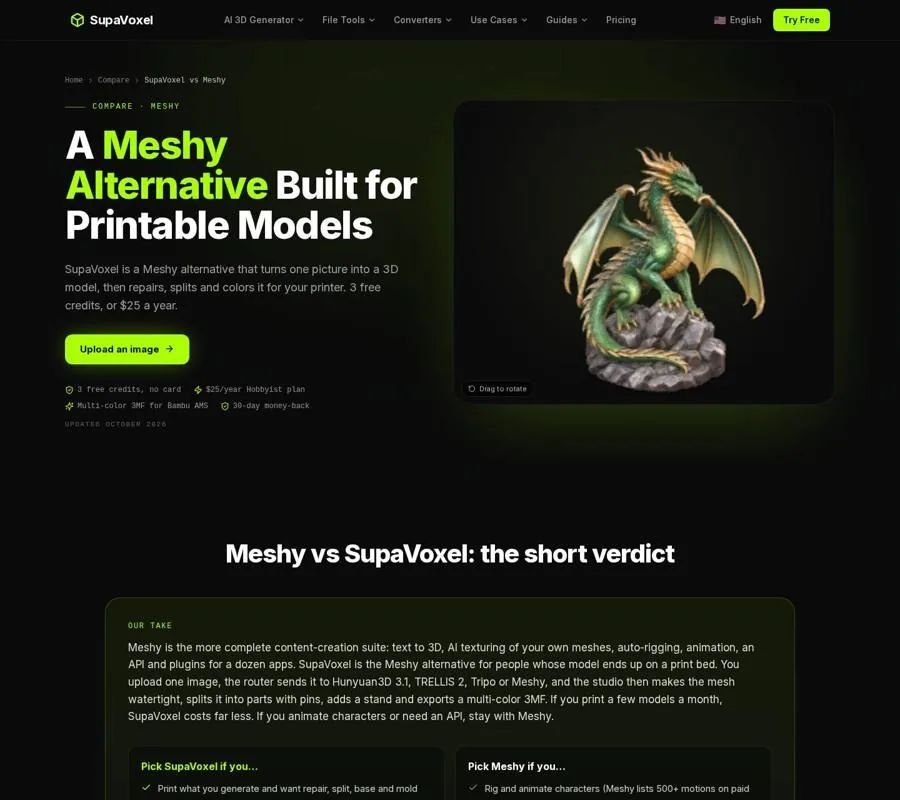
The Meshy comparison separates print-finishing features from animation capabilities.
Likewise, the Tripo alternative comparison matters if you need Tripo’s native quad meshes, part segmentation, rigging, FBX export, or API. Its plans and features are described there as of October 2026. For a printable figurine, connector pins and a stable base may be more relevant than quad topology. For a character that must be posed and animated, the reverse can be true.
I would not choose a generator by asking which has the longest feature list. I would choose by the task that cannot be skipped: getting a solid into a slicer, preserving texture in a scene, or delivering an asset that can enter an animation workflow.
Make the purchase decision in this order
- Write down the destination. Is it a single-color print, multi-color print, static game prop, or animated character?
- Estimate a realistic year of use. Divide the full bill by models you expect to finish, not the maximum a plan could produce.
- Check the file and its rights. A preview is not a download, and a downloadable model is not automatically licensed for a sale.
- Account for finishing. If you print, decide whether you will need repair, a base, cuts, or color-separated output before comparing prices.
- Pay for the missing capability. If the task needs rigging or an API, a low-cost static-model plan is not a bargain. If it needs only a single-color shape, texture credits may be unnecessary.
That order keeps the occasional maker’s question grounded: not “Which generator makes the prettiest sample?” but “Which plan pays for the files and work I will really use?”
FAQ
Is the cheapest price per model the cheapest option for occasional use?
Not necessarily. Per-model estimates often assume you spend the entire allowance. Compare the full-year bill against the number of models you expect to finish; unused capacity does not lower what you paid.
Should I generate a textured model for a single-color print?
Usually not for the print itself. STL carries geometry rather than the displayed image texture, so judge the shape and spend texture credits when another output, such as a render or suitable multi-color workflow, calls for them.
Does a free download mean I can sell the model?
No. Check the specific plan’s commercial-use and attribution terms, then check your rights to the input image. SupaVoxel’s commercial license starts with its paid plans; free-plan terms differ across competitors.
Want to try it yourself?
Try Supavoxel →